How to Track Sales Leads Small Business — 5 Simple Methods (2026)
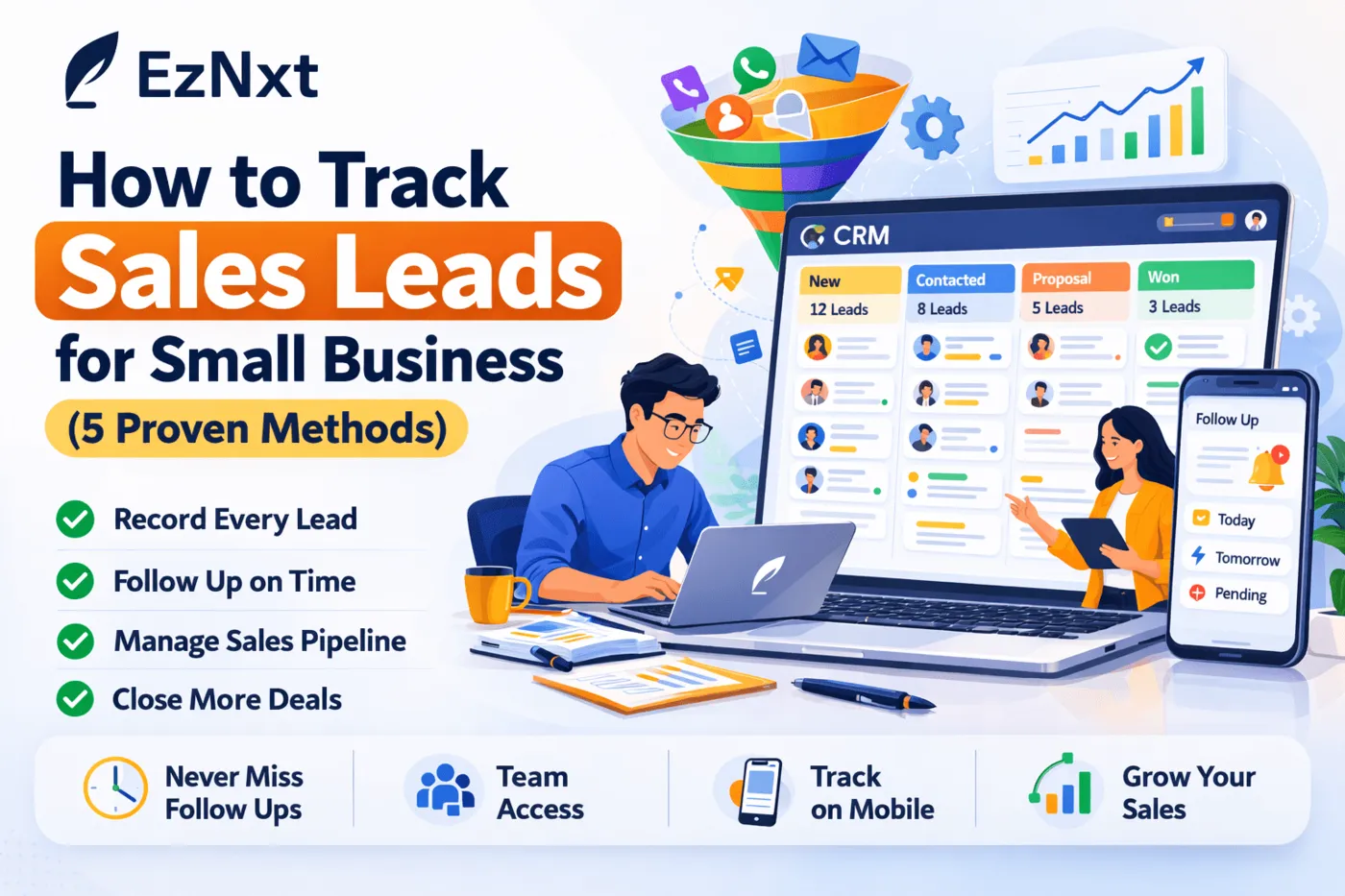
If you want to track sales leads properly, the first thing to admit is where they live today. For most small businesses, it’s a mix of WhatsApp chats, email threads, a notebook on someone’s desk and a spreadsheet nobody fully trusts. Leads don’t usually get lost because the product is wrong. They get lost because nobody followed up on time.
A simple lead tracking system fixes that. Every enquiry gets recorded, assigned to one person and followed up on a set date. This guide covers five ways small businesses track sales leads, from a notebook to a CRM built for small businesses, and how to tell when it’s time to move up.
Why Small Businesses Struggle to Track Sales Leads
Most small teams get a steady stream of enquiries but convert fewer than they should. The pattern is almost always the same:
- Leads arrive from the website, referrals, IndiaMART, Instagram and phone calls, and each lands somewhere different
- Follow-ups depend on someone remembering
- Nobody can say which deals are close to closing
- When a salesperson leaves, their leads leave with them
Once every lead goes into one place with an owner and a next step, sales become far more predictable. That’s the whole idea behind lead management software, but you can start much simpler.
5 Ways to Track Sales Leads
1. Notebook or Sticky Notes
Plenty of owners start by writing leads down. It’s instant and free, and needs no setup. The trouble is that paper doesn’t remind you of anything, can’t be shared, and gives you no reports. It only really works for a solo founder handling a handful of leads a month.
2. WhatsApp or Telegram
Messaging apps are where many Indian customers prefer to talk, so it’s natural to manage leads there. Everyone already uses them and replies are quick. But chats aren’t a database: older conversations get buried, there’s no pipeline view, and you can’t see at a glance who still needs a follow-up.
3. Excel or Google Sheets Lead Tracker
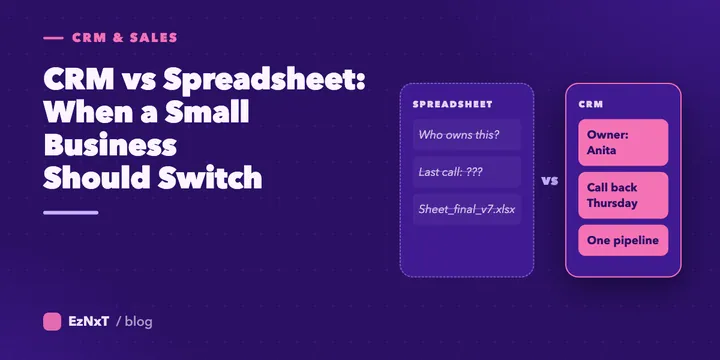
Spreadsheets are the most common next step. They’re free, flexible and easy to set up with the columns you care about. They start to creak when several salespeople edit the same file, when formulas break, and when you realise there’s no automatic reminder for tomorrow’s follow-up.
A basic lead tracker sheet usually includes:
- Lead name and company
- Phone and email
- Lead source
- Status
- Next follow-up date
- Owner and notes
4. Gmail Labels and Calendar Reminders
Consultants and freelancers sometimes run their pipeline from Gmail, using labels for each stage and Google Calendar for follow-ups. It works inside a tool you already use, but your team can’t see it, there’s no overview of the pipeline, and reporting is manual.
5. CRM Software
A CRM is the most reliable way to track sales leads once more than one person is selling. A good CRM gives you:
- One central database of leads and customers
- A visual sales pipeline
- Automatic follow-up reminders
- Reports on sources, conversion and team activity
- Shared visibility for the whole team
Tools like EzNxT CRM let you manage the whole pipeline in one place, and because it’s connected to invoicing, a won deal can become a GST invoice without re-typing. If you’re still comparing options, see our list of the best free CRM software in India.
Free Lead Tracking Spreadsheet Template
If you get fewer than about 20 leads a month, a well-built spreadsheet can still do the job. Use these columns:
- Lead name
- Company
- Phone
- Lead source
- Status
- Follow-up date
- Last contact
- Notes
- Owner
Sort by follow-up date every morning and you already have a working system.
Signs You’ve Outgrown Spreadsheets
- You’re managing more than 30 active leads
- More than one person is selling
- You’ve lost a deal because a follow-up slipped
- You can’t see the full pipeline without asking around
- Your sales cycle runs longer than two weeks
If two or more of these sound familiar, it’s time to move to a CRM.
How to Set Up Lead Tracking in EzNxT CRM
Setting up lead tracking in EzNxT takes a few minutes:
- Create a free account on EzNxT (free for up to 10 users).
- Import your existing leads from a CSV or spreadsheet.
- Create pipeline stages such as New → Contacted → Demo → Proposal → Won/Lost.
- Assign each lead to a team member.
- Set follow-up reminders.
- Review the pipeline for ten minutes every morning.
Because EzNxT also covers HR and accounting, the same platform can grow with you. Read why Indian startup founders need one business management platform for the bigger picture, or browse the best free business software for small businesses in India.
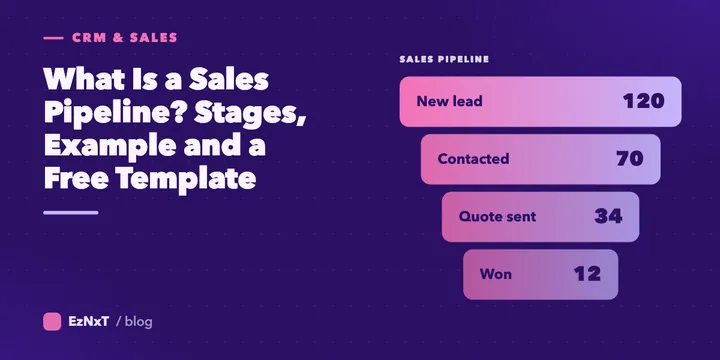
Related reading: what is a sales pipeline, CRM vs spreadsheet, lead management software.
Frequently Asked Questions
What is a sales lead tracking system?
It’s any system that records every potential customer and tracks their progress through your sales pipeline, from first enquiry to won or lost. It can be a spreadsheet or a CRM.
Can small businesses track sales leads without a CRM?
Yes. A spreadsheet works well at low volumes. A CRM becomes worth it once lead volume grows or more than one person is selling.
When should a company switch to a CRM?
Most businesses should switch once they handle more than 20 to 30 leads a month or have multiple salespeople. HubSpot, Zoho and EzNxT all offer free CRM plans, so the switch doesn’t have to cost anything upfront.