How to File GSTR-1 on the GST Portal: Step-by-Step Guide
Quick answer on how to file GSTR-1: log in to the GST portal, open Returns Dashboard, choose the financial year and period, and prepare GSTR-1. Enter or upload invoice details table by table (B2B, B2C, credit and debit notes, HSN summary, documents issued). Then generate the summary, preview it, and file with DSC or EVC by the due date: the 11th of the next month for monthly filers, or the 13th after the quarter under QRMP.
GSTR-1 is the statement of your outward supplies: every sale you made in the period. Your customers’ input tax credit depends on it, so a missing or wrong invoice becomes their problem too. Here is how to file GSTR-1 correctly the first time.
GSTR-1 due dates
| Filer type | Due date |
|---|---|
| Monthly filer | 11th of the following month |
| QRMP scheme (turnover up to ₹5 crore, opted for quarterly) | 13th of the month after the quarter |
| QRMP: optional Invoice Furnishing Facility (IFF) for B2B invoices of the first two months | 1st to 13th of the following month |
Late fees and the full return calendar (GSTR-1, GSTR-3B and annual returns) are covered in our GST return filing guide.
The GSTR-1 tables you will actually use
| Table | What goes in it |
|---|---|
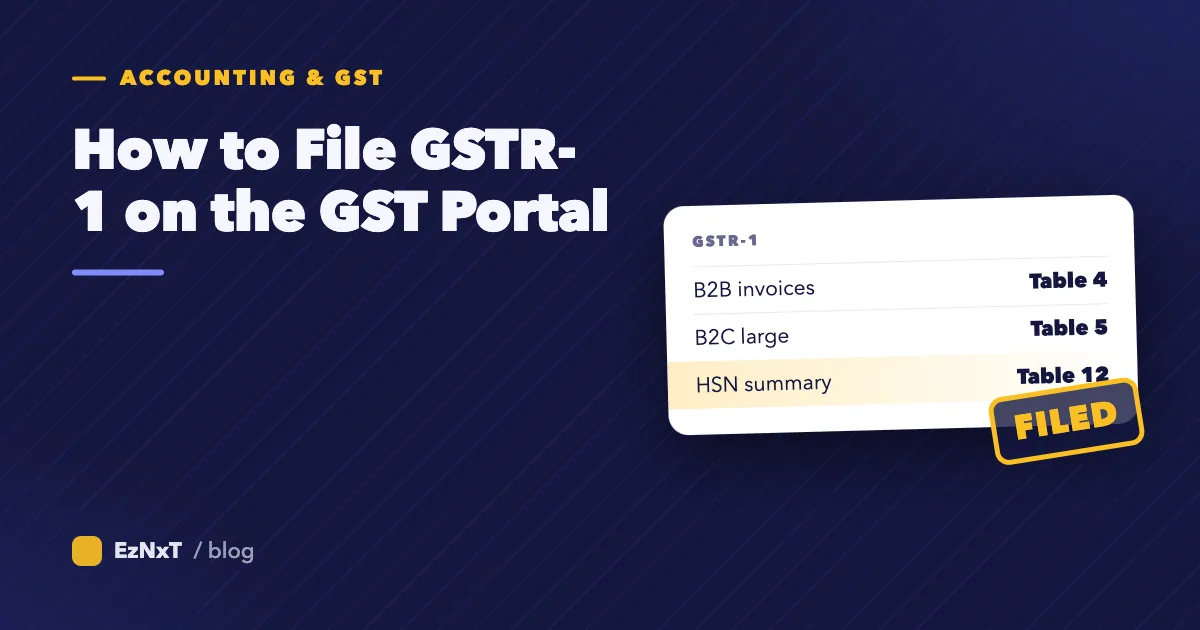
| 4 – B2B invoices | Sales to GST-registered buyers, invoice by invoice with the buyer’s GSTIN |
| 5 – B2C (Large) | Inter-state sales to unregistered buyers with invoice value above ₹1 lakh (limit since August 2024) |
| 7 – B2C (Others) | All other sales to unregistered buyers, summarised by state and rate |
| 6 – Exports | Exports and supplies to SEZ units |
| 9B – Credit and debit notes | Notes issued against earlier invoices, registered and unregistered |
| 11 – Advances | Advances received and adjusted for services |
| 12 – HSN summary | HSN/SAC-wise summary of supplies (B2B and B2C reported separately) |
| 13 – Documents issued | Serial number ranges of invoices, credit notes and other documents |
HSN digits depend on turnover: businesses with aggregate turnover up to ₹5 crore report at least 4 digits, and above ₹5 crore at least 6 digits. Read how to create a GST invoice for the fields that feed these tables.
How to file GSTR-1: steps on the GST portal
- Log in at gst.gov.in and go to Services → Returns → Returns Dashboard.
- Select the financial year and return period, then click Prepare Online (or use the offline tool to upload a JSON file for many invoices).
- Fill each applicable table: add B2B invoices, B2C (Large) invoices, the B2C (Others) summary, credit and debit notes, the HSN summary and documents issued.
- Click Generate GSTR-1 Summary and wait for the summary to update.
- Download the preview PDF and check totals against your sales register for the period.
- Click File Statement and file with DSC or EVC (OTP sent to the authorised signatory).
- Download the filed return and the acknowledgement (ARN) for your records.
Found a mistake after filing? GSTR-1A lets you amend or add details for the same period before you file GSTR-3B. Otherwise, correct it in the next period’s GSTR-1 through the amendment tables.
Common GSTR-1 mistakes
- Wrong buyer GSTIN, so the buyer cannot see the invoice in their GSTR-2B
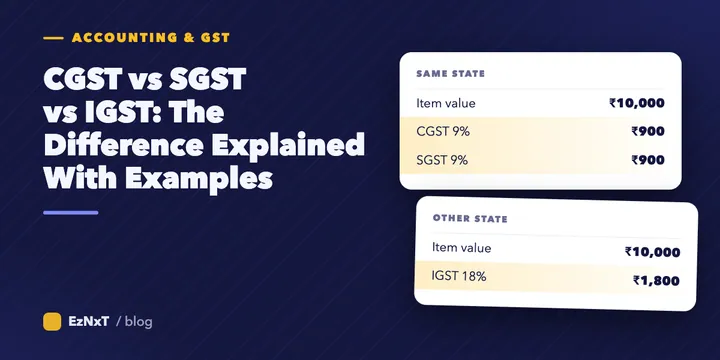
- Inter-state sale reported with CGST and SGST instead of IGST (see CGST vs SGST vs IGST)
- Credit notes left out, overstating tax liability
- HSN summary totals that do not match invoice totals
- Missing documents-issued ranges, especially cancelled invoices
Frequently Asked Questions
What is the due date of GSTR-1?
The 11th of the following month for monthly filers, and the 13th of the month after the quarter for taxpayers under the QRMP scheme.
Is GSTR-1 required if there are no sales?
Yes. A registered taxpayer must still file a nil GSTR-1 for the period. Nil returns can be filed on the portal, including by SMS.
Can GSTR-1 be revised after filing?
There is no full revision. You can amend details through GSTR-1A for the same period before filing GSTR-3B, or through the amendment tables in a later GSTR-1.
What is the difference between GSTR-1 and GSTR-3B?
GSTR-1 reports invoice-level details of outward supplies. GSTR-3B is the summary return where you declare total liability, claim input tax credit and pay tax.
Can I file GSTR-1 from accounting software?
Filing happens on the GST portal (directly or through a GST Suvidha Provider). Accounting software such as EzNxT generates the GSTR-1 report from your invoices so you can check and enter the figures accurately.
See EzNxT GST invoicing software and the free GST invoice generator.